Planning a Livestreamed Event in Nebraska: What to Know Before Booking
Not everyone who wants to be at your event can make it there. A livestream gives them a way to be part of it, but the plan needs more than a camera pointed at the stage.
When we talk about streaming an event, I want to know what is happening, where it is happening and where people will watch. Then we can figure out the cameras, sound, connection and team that fit it.
You do not need to know the equipment names before reaching out. It helps much more to tell us, “There is a speaker here, the choir is over there, and we need the sponsors on screen.”
See the kind of coverage we mean.
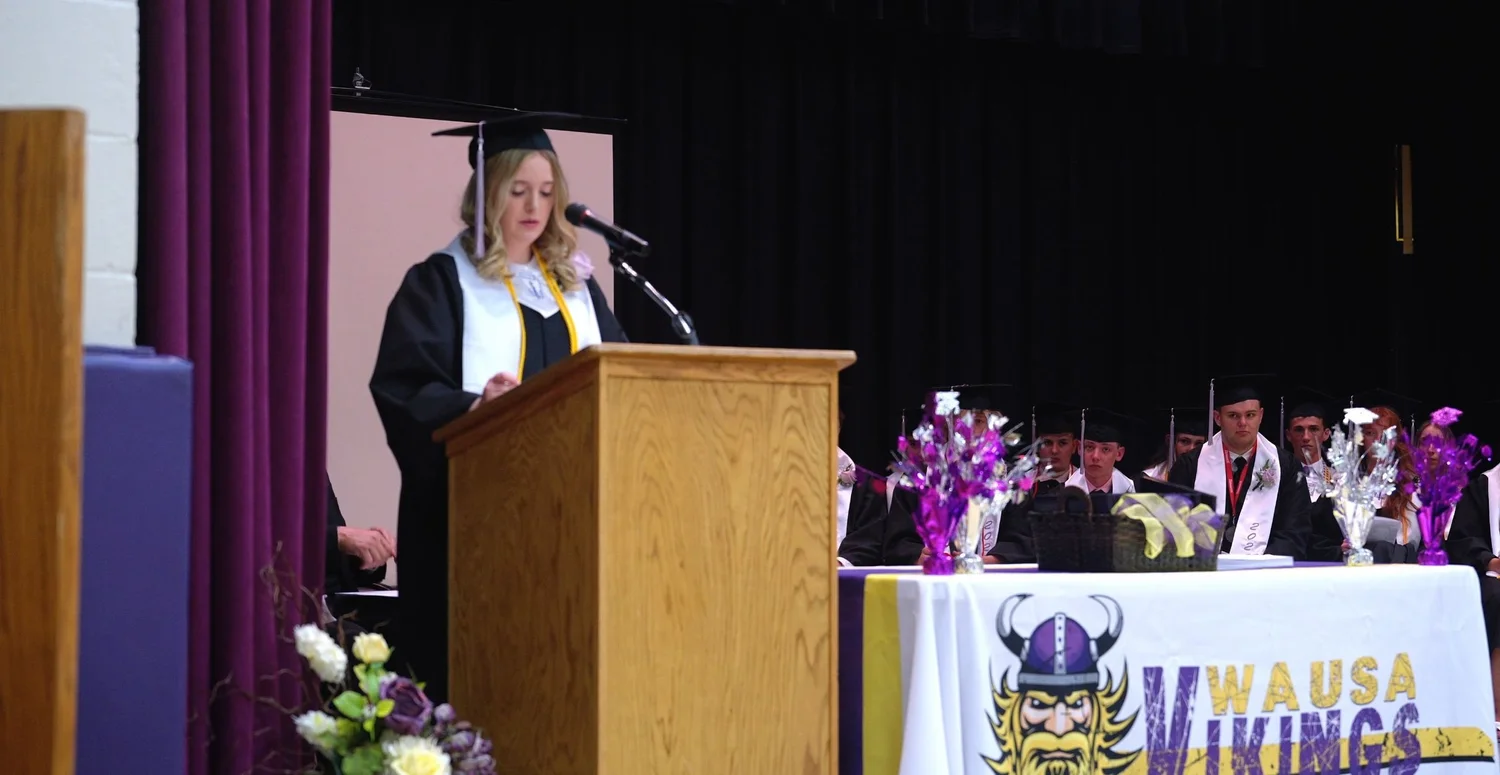
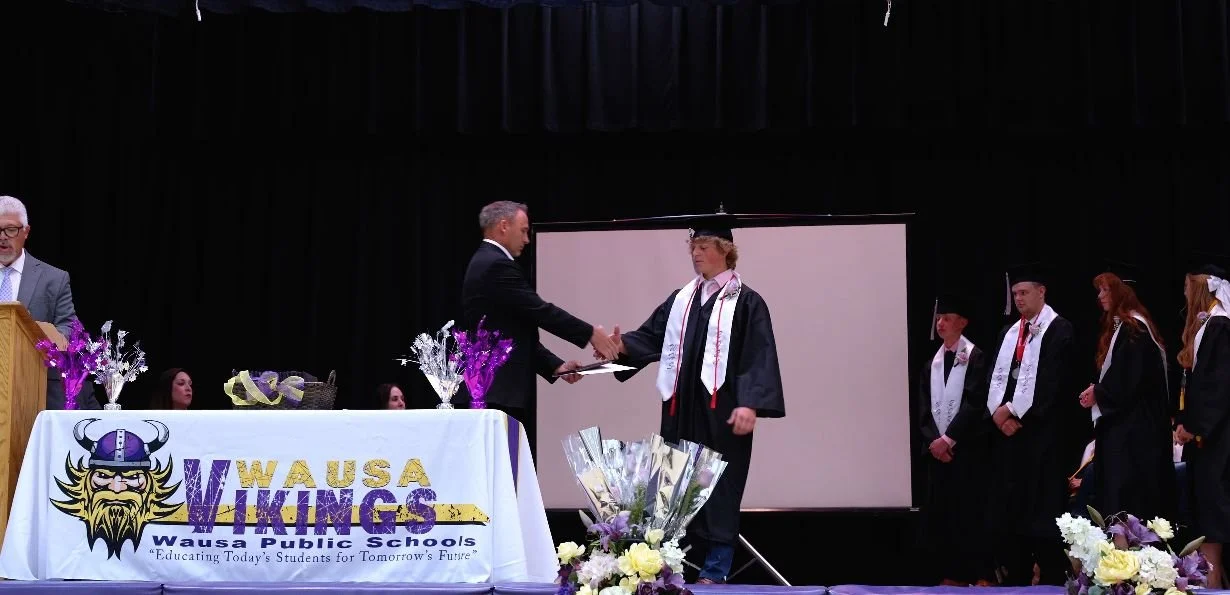
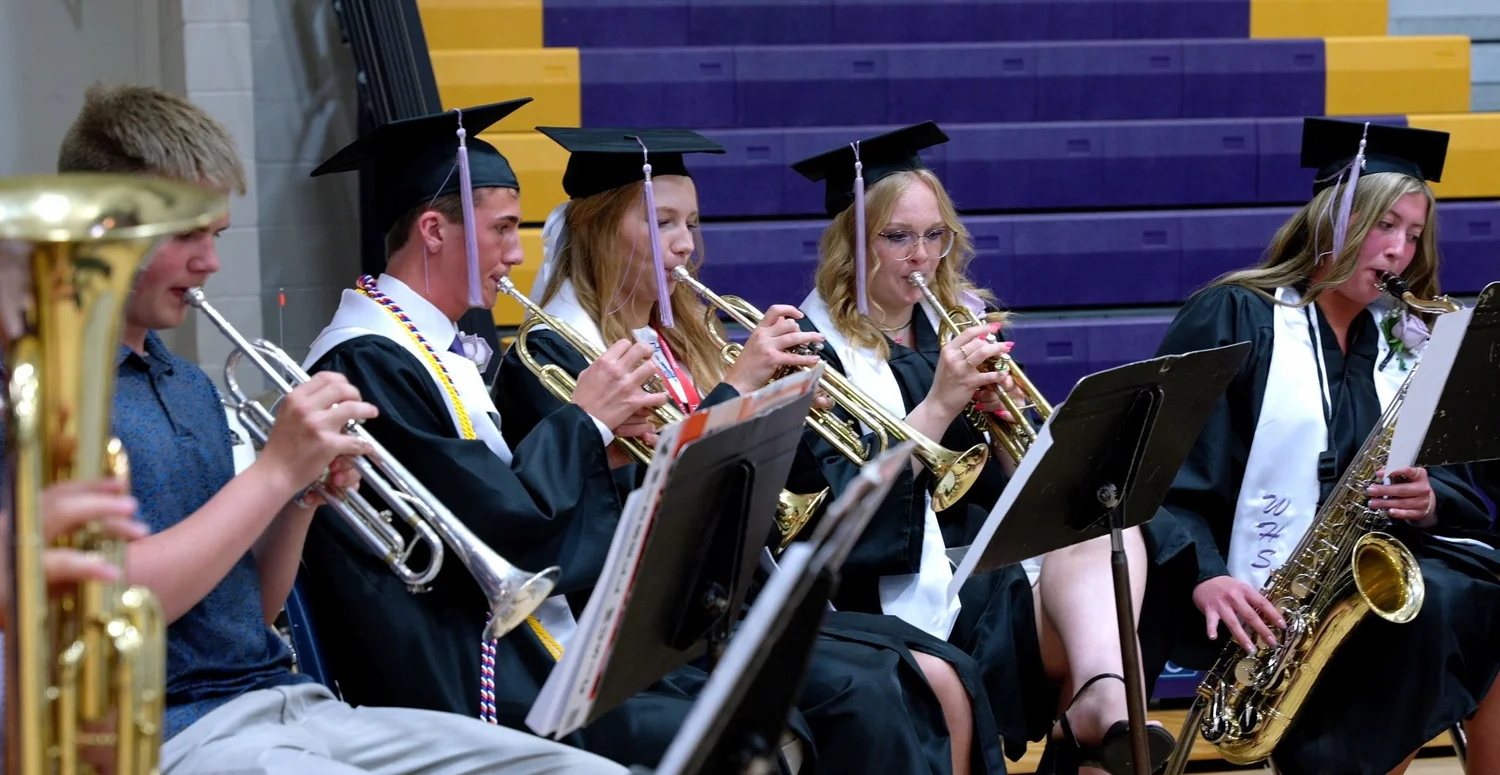
These stills from our recording of Wausa Public Schools’ 2023–2024 graduation show the moments an event plan needs to cover: speeches, presentations and performances. Think about what someone watching your event from home would need to see.
This is a recorded ceremony example, not a claim that this event was livestreamed or that its full production is included in the starting setup below.
What does livestreaming start at?
Fox Brush Films livestreaming starts at $895 for a basic configuration with one team member, two cameras on tripods, a switcher and a monitoring screen, connecting to your organization’s existing streaming setup.
A switcher is simply the system that lets our operator choose which camera view the audience sees. Instead of watching one unchanging shot, people at home can see the angle that makes sense for that moment.
What could two cameras cover at a graduation?
For a simple livestream plan, one camera could hold a closer view of the podium for speeches. The second could show a wider view of the stage, so viewers understand the room and what is happening around the speaker.
A closer view
The speaker, podium or another key position. Useful when the words and expression are the focus.
A wider view
The stage and surrounding activity. Useful for context and transitions between parts of the program.
Now imagine a performance happening elsewhere in the room. A single operator cannot stay at the switcher and independently follow several moving subjects at the same time. We need to discuss whether fixed views work, whether another angle is needed or whether another operator should be there.
More cameras and more people solve different problems. Tell us about movement, not just the number of people on stage.
Check the venue before event day.
We reach out ahead of time to understand the obstacles. Where can the cameras go without blocking guests? How far is the sound system from the streaming position? Will we need longer cables, additional lights or another way to get the signal where it needs to go?
Give us a venue contact and your program or run of show. Setup and testing need their own access window before doors open. The amount of time depends on the location and equipment, so we agree on it in advance.
Clear audio needs a plan of its own.
We can discuss connecting to the venue’s sound system or using additional microphones. Those connections need testing. A speech, a choir and an audience question can come from very different places, and a microphone at the podium does not automatically cover them all.
Do not stop at “the building has Wi-Fi.”
We need to review the available connection and how the streaming position will access it. We can also discuss bringing satellite internet as an additional option when suitable for the location.
No connection is interruption-proof. Satellite service has its own placement, power and connection requirements. The useful question is what the primary plan is, what alternative is practical at your venue and what happens if the connection drops.
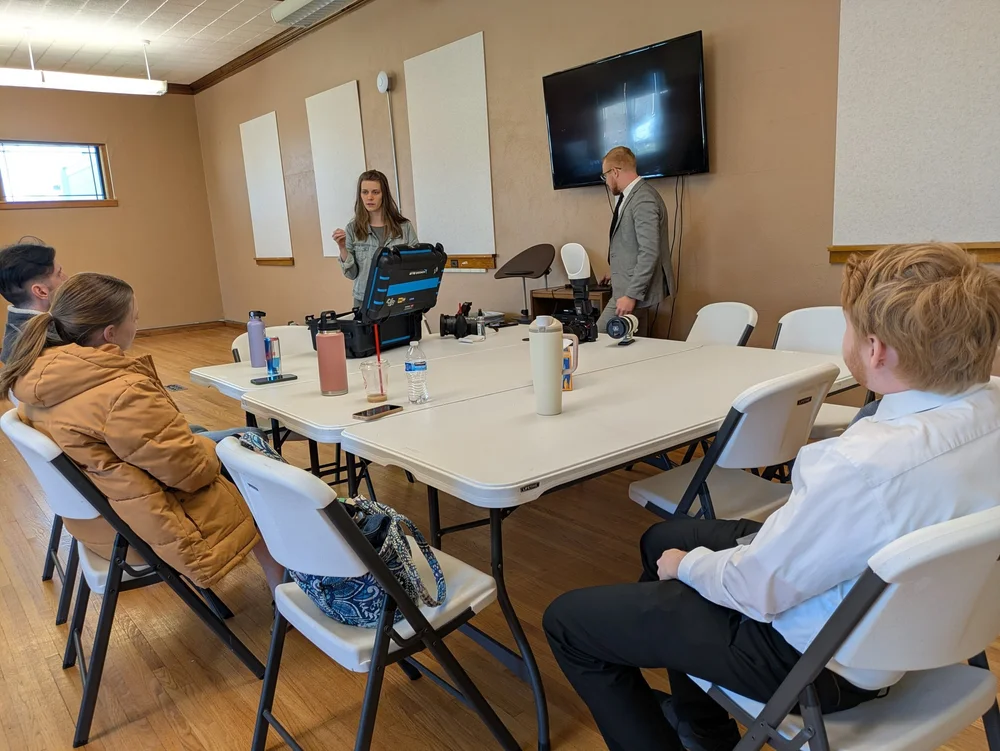
Where will people watch?
Many organizations already have a YouTube channel they want to use, with a viewing link shared ahead of time or a player embedded on their website. We can work through the streaming connection and permissions with the person who manages that account.
Check that the channel is eligible and enabled before event day. YouTube has its own channel verification and restriction requirements. See YouTube’s current guide to getting started with live streaming.
Agree on who creates the event, who shares the link and who checks it from a viewer’s device. Decide who handles chat or viewer questions if those features are enabled. Do not put passwords or stream keys in a public document; coordinate access privately with your account administrator.
What about names, sponsor graphics and waiting screens?
We can discuss graphics for sponsors, speaker names or the time before the program begins. Send approved wording, logos and timing early. The design, number of graphics and who cues them belong in the scope, just like cameras and crew.
A livestream, a recording and a highlight are different things.
- The livestream is what people see while the event happens.
- A recording of the switched program preserves the camera views selected during the event. We can discuss recording that locally to an SSD.
- Additional camera recordings and an edited highlight can give us different options afterward, when arranged in advance. A short highlight is a separate editing job, not the same thing as saving the broadcast.
If a connection interruption would matter to your organization, ask about a separate local recording. It may preserve coverage during an internet problem, but it does not keep the livestream online or protect against every equipment failure.
Confirm what you receive, how it is delivered, whether it can be downloaded and how long any files or replay links remain available. Do not assume a platform replay is your only backup.
What about a wedding ceremony?
The same planning questions apply: where will people stand, how will their words be heard and what should guests watching remotely be able to follow? Bre and Brandon’s outdoor ceremony is another recorded example of the moments and setting a coverage plan needs to consider.
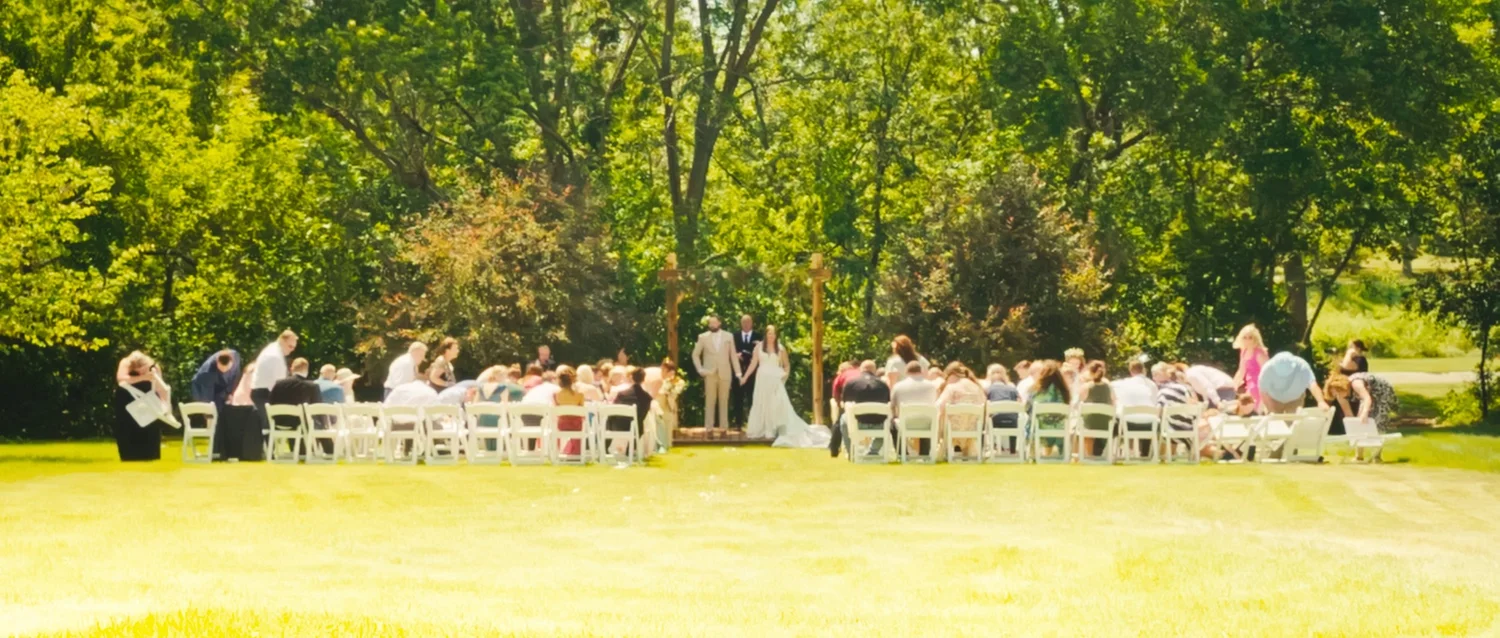
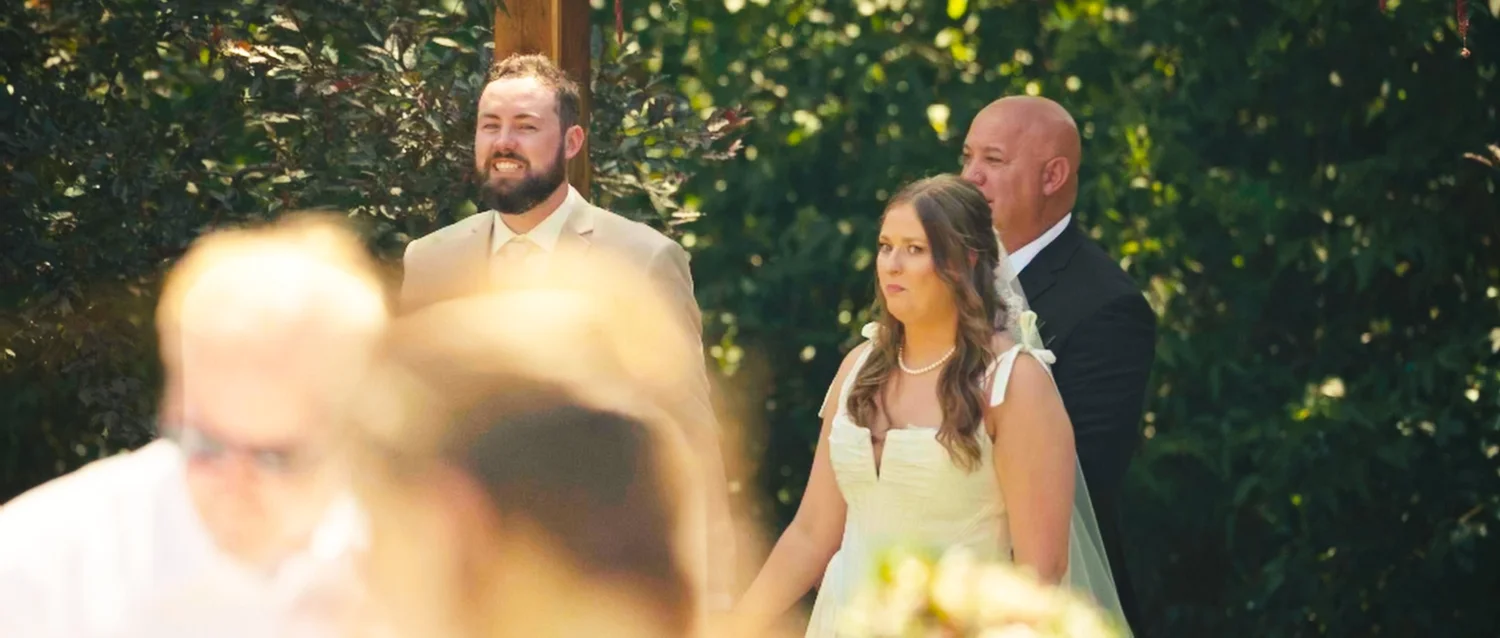
Watch Bre and Brandon’s ceremony and read their wedding story →
These are ceremony-film examples. Livestream availability, internet, permissions and the right crew are confirmed separately.
What should an organizer send us?
- The basics: date, venue, program start and end, and when we can enter to set up.
- The program: speakers, performances, movement, breaks and anything that must appear on screen.
- The venue contact: someone who can discuss power, sound, camera positions and internet.
- The viewing destination: channel or platform, audience, and who manages access and shares the link.
- The finished pieces: live viewing only, a saved program, extra recordings or a highlight.
- Priorities and budget: what matters most if the scope needs to stay simple.
Questions worth asking before booking.
Can one person operate a two-camera livestream?
A single operator can switch between planned, largely fixed positions. If the event needs independently moving shots or frequent reframing away from the switching position, more crew may be the better fit.
Do we have to buy the equipment?
No. Our starting configuration includes our cameras, tripods, switcher and monitoring screen. We work through what your venue and existing streaming setup provide, then quote additional needs.
Can you add a moving camera or more angles?
We can discuss extra cameras, operators and wireless options. The venue, signal conditions and event movement determine what is practical; additions are not automatically part of the starting rate.
Can the event stay available afterward?
Discuss platform replay settings and a separately delivered recording before booking. Confirm access and storage arrangements instead of assuming the stream will remain available forever.